How to make better talking-head videos
The gap between an amateur talking-head video and a professional one is mostly five fixable habits — and almost none of them involve buying anything.
8 minute read

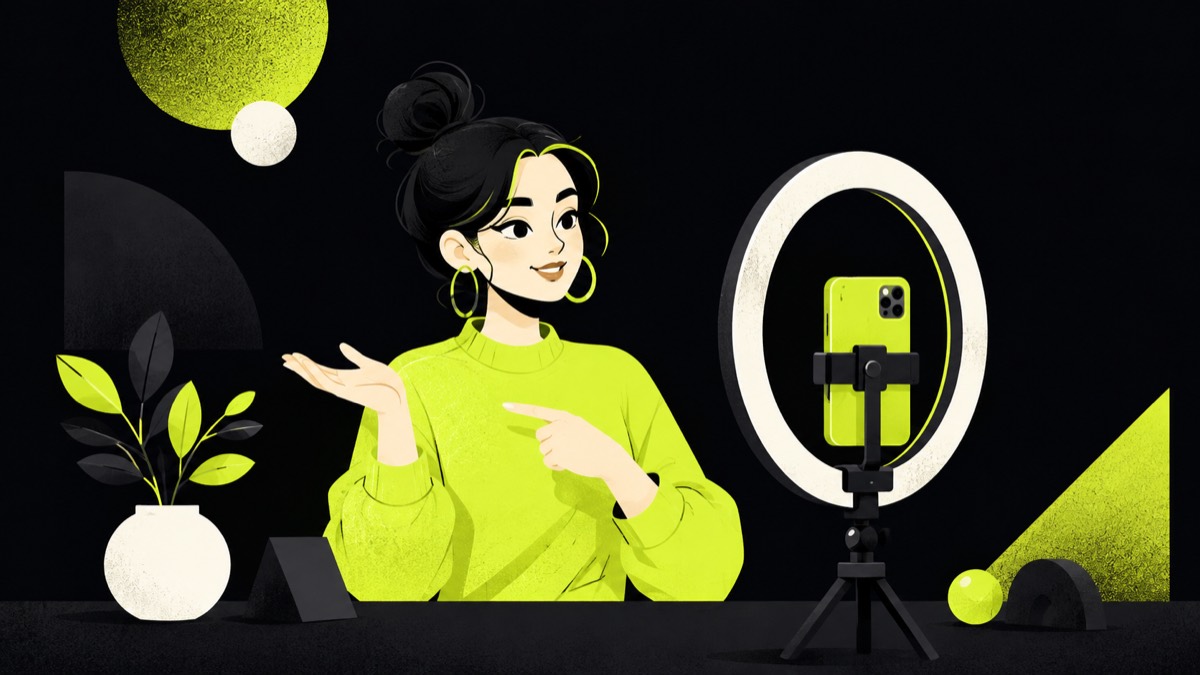
Get the eye-line and framing right first
Two framing mistakes account for most amateur-looking talking-head footage. The first is a camera below eye level — the up-the-nose angle every laptop webcam produces — which reads as unflattering and slightly wrong even to viewers who can't say why; raise the lens to eye level and the whole video improves instantly. The second is dead framing: either too much headroom or the face lost in the middle of a wide shot. Frame with your eyes roughly a third from the top, close enough that expression carries. And decide where to look: into the lens reads as talking to the viewer, which is what short-form wants; off-camera reads as interview. Pick one deliberately.
Audio is the quality bar, not the camera
Viewers forgive soft images and never forgive bad sound — echo, hiss, and room boom make a video feel unwatchable long before picture quality registers at all. The fixes are cheap and stack: record in a smaller room with soft surfaces rather than a bare-walled one, get the microphone close (any basic lav or USB mic near your mouth beats an expensive one across the desk), and kill background hum at the source instead of hoping to remove it later. If you upgrade one thing about your setup, upgrade the sound. It is the least glamorous purchase and the only one your audience will actually notice.
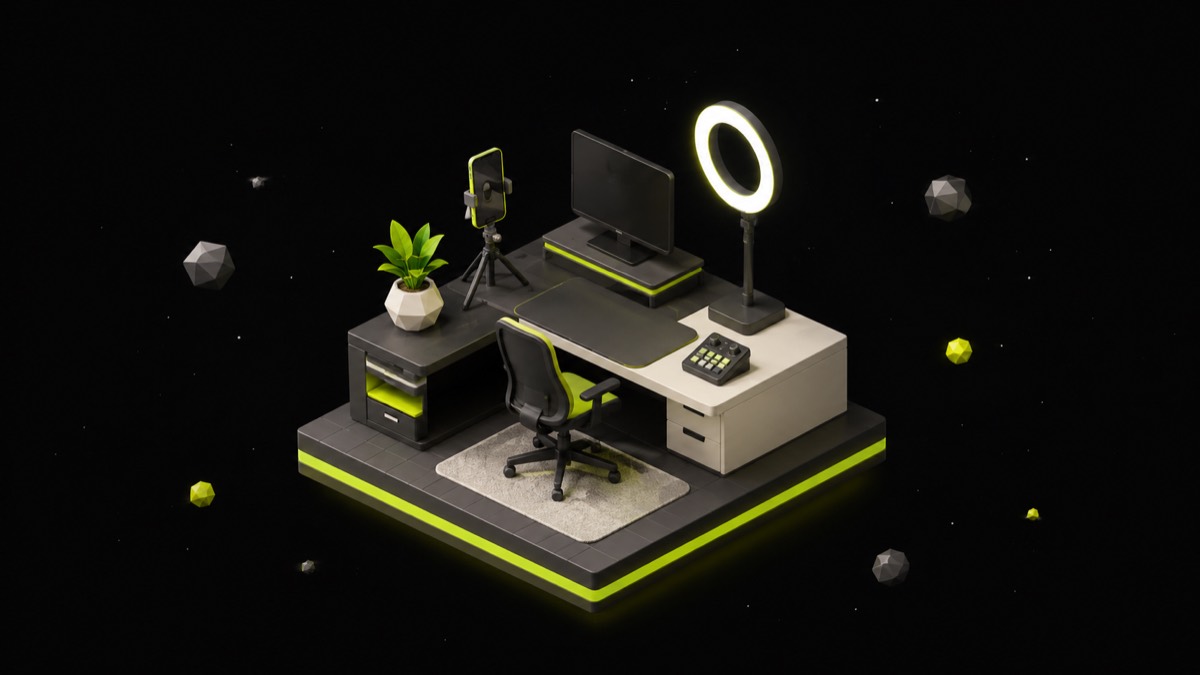
Light from the front, and stop there
Lighting advice spirals into three-point diagrams quickly, but talking-head video needs exactly one thing: soft light on your face from roughly the direction of the camera. A window you face is the free version and beats most cheap lighting kits. The mistakes to avoid are overhead light alone, which shadows the eyes, and a bright window behind you, which turns you into a silhouette. If you record at night, one softbox or even a bounced lamp in front of you covers it. Past that point, lighting improvements are taste rather than necessity, and chasing them is a classic way to not publish anything.
Deliver at 110%, in short takes
Cameras flatten energy — a delivery that feels natural in the room reads as slightly deflated on screen, which is why the standard advice is to perform about ten percent above your conversational register. It feels mildly ridiculous while recording and looks normal in the edit. The second delivery fix is structural: stop trying to nail long takes. Record in short segments, one thought at a time, restarting any sentence that stumbles — the cuts between takes disappear in editing, and short takes are precisely what makes tight jump-cut pacing possible later. Bullet points beat scripts for most people; a script read verbatim sounds read, and viewers hear it.
Edit for momentum: cuts, zooms, and something to look at
A static shot of a person talking, unbroken for sixty seconds, loses viewers regardless of how good the words are. The standard toolkit for holding attention is small: jump cuts that remove every pause and false start, alternating between two framings or a subtle punch-in to reset the eye, and occasional B-roll or a screenshot when you reference anything visual. None of this is decoration — each cut is a micro-restart of attention. The pacing test is simple: if nothing on screen has changed in the last five to eight seconds, something should. This is also where clip-focused editors earn their keep, since cutting silences by hand is the tedious part.
Caption it, because most viewers are on mute
A large share of social video plays silently in the feed, which means uncaptioned talking-head content is, for many viewers, a silent film of someone moving their mouth. Captions are therefore part of the edit, not an accessibility extra: word-timed, readable, and kept inside each platform's safe zones so interface buttons don't cover them. Auto-generated captions are good enough to start from but need a proofread — a wrong word in large type is more embarrassing on screen than in a transcript. If the choice is between fancier captions and accurate ones, accurate wins every time.
FAQ
What camera should I use for talking-head videos?
The one you have — a recent phone at eye level with good light front-on looks professional. Spend on audio before glass: a basic microphone close to your mouth improves perceived quality more than any camera upgrade.
Should I script or improvise talking-head videos?
Bullet points, for most people. A full script read verbatim sounds read; pure improvisation rambles. Know the points, deliver them in short takes, and let the edit remove the fumbles.
How do I stop looking awkward on camera?
Mostly reps — everyone is stiff for their first dozen videos. Delivering slightly above your natural energy, recording in short takes, and talking to the lens as if to one person all accelerate the process, but volume of practice is the real fix.
Related pages
Keep reading
More Creator Growth →How to use Twitter (X) in 2026
Most guides to this platform describe features that no longer exist. Communities shut down in May 2026, DMs became Chat, and the home screen now has more than two tabs.
9 minute readHow the X (Twitter) algorithm actually works
X is the only large platform that publishes the code ranking its main feed. It also had to add a comment to that code correcting the most-repeated claim about it.
9 minute readHow to use Pinterest: the setup, the formats and the search mindset
Pinterest reported 640 million monthly active users in its Q2 2026 results, and almost none of them are scrolling a friend feed — they are searching. That changes what you publish, how you title it, and how long it keeps working.
8 minute readTurn one long video into a week of posts
300 credits for 3 days · no card
Start free