How to price a YouTube sponsorship from your own numbers
Multiply the views a new video realistically gets in its first 30 days, in thousands, by a CPM you can defend. Then price placement, usage rights, exclusivity, extra deliverables and rush work as separate lines.
10 minute read


| Model | How the fee is set | Who carries the risk | Best for | Agree in writing |
|---|---|---|---|---|
| Flat fee | Fixed price for the agreed deliverables | Brand | Channels with steady views | Deliverables, dates, rights |
| CPM on actual views | Rate per 1,000 views on a set date | Creator | Brands that buy media on CPM | Metric, count date, cap |
| Hybrid: base plus CPM | Smaller fixed fee plus CPM above a threshold | Shared | Channels that often outperform | Threshold, rate, cap |
| Flat fee with view guarantee | Fixed price; make-good if views fall short | Shared, mostly creator | Cautious first-time sponsors | Number, date, make-good |
| Affiliate or code bonus | Commission on tracked sales, on top of a fee | Shared | Products viewers buy online | Tracking, rate, payout timing |
Start from 30-day views times a CPM, then adjust
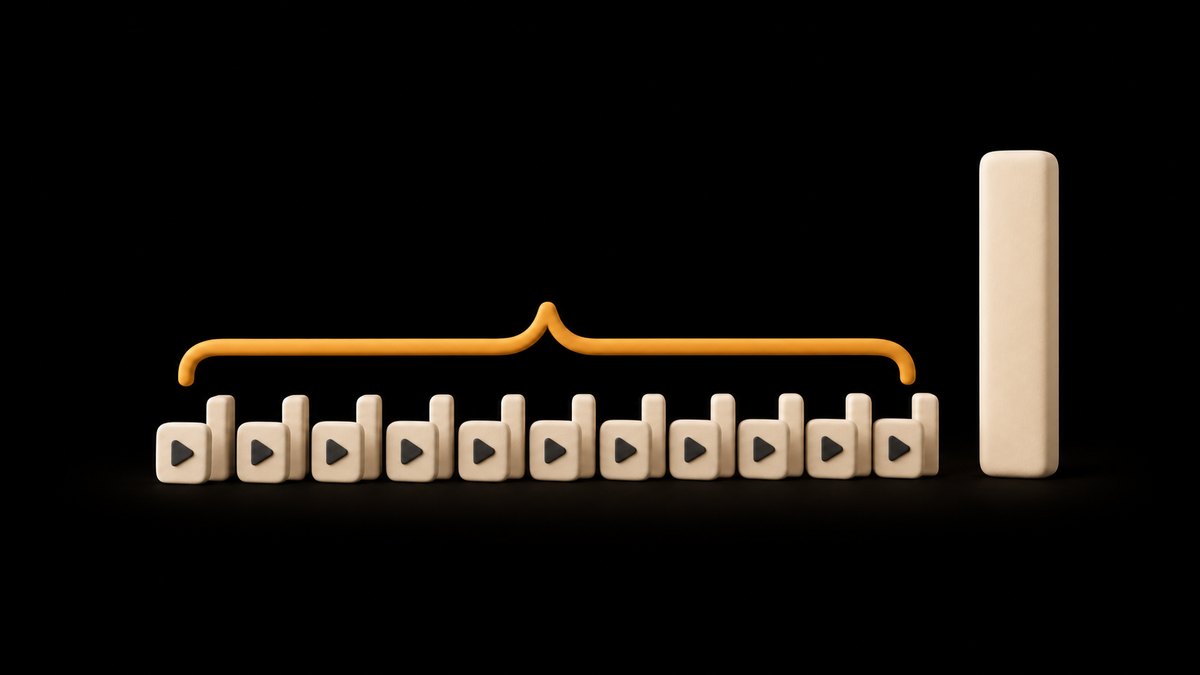
Price a YouTube sponsorship from the views a new video will realistically get in its first 30 days. Divide that number by 1,000 and multiply it by a cost per thousand views (CPM) you can defend, and you have a base fee. Then adjust it for where the spot sits and how long it runs, whether the brand wants usage rights or exclusivity, the extra deliverables it asks for and how fast it needs the video.
The formula keeps the conversation in the brand's own terms. Brands buy attention, and a fee built from expected views tells them what each thousand viewers costs, which they can set against everything else they spend on. It also gives every number on the quote a reason, so a request to drop the price becomes a request to remove something.
1. Find the median views your recent videos reached 30 days after upload.
2. Choose a CPM from your own past deals and the brand's budget.
3. Multiply the views, in thousands, by the CPM for the base fee.
4. Add separate lines for placement, rights, exclusivity, extras and rush delivery.
A channel whose recent videos reach a median of 40,000 views in 30 days is selling 40 blocks of 1,000 views, so every $1 of CPM adds $40 to the base fee. The rest of the work is choosing that CPM honestly and pricing the extras.
Use your recent videos, not your lifetime average
The view figure carries most of the price, so it is worth getting right. A lifetime average mixes videos that have collected views for years with ones posted last week, and a single old hit can lift it far above what a new upload will do. A sponsor pays for the next video, so price from the recent ones.
Take your last 10 long-form uploads, leave out live streams and anything in a different format, and note each one's views about 30 days after it went live. Use the median rather than the mean, so one breakout or one flop does not set the price. YouTube measures your channel against recent work in the same way: its help page on Content tab analytics says typical retention is the engagement your last 10 videos of a similar length have maintained, and it shows each video's views against your typical performance.
If the channel is growing fast, the last five videos may be the fairer guide. If one recent video spiked from outside traffic, such as a news link, leave it out and tell the brand why. The guide to reading YouTube analytics shows where each of these figures sits in YouTube Studio.
Choose a CPM from your own deals, not a rate card
There is no reliable public figure for what YouTube sponsorships pay per thousand views. The rate lists that fill search results rarely say who was surveyed, how many deals were counted or how niche and channel size were handled, and we found no current published study that does. Treat any single number you see as one creator's anecdote.
Do not borrow YouTube's ad numbers either. YouTube's help page on ad revenue analytics defines CPM as what advertisers spend per 1,000 ad impressions before YouTube's revenue share, and RPM as what you earn per 1,000 views after it, including views that carried no ads. A sponsor is buying something different: your own recommendation, to your audience, inside the video.
Build the CPM from evidence you own. For every past deal, divide the fee by the views the sponsored video had at 30 days and multiply by 1,000. That effective CPM is your track record. For a first deal, ask the brand for its budget before you name a number, then work out what that budget comes to per thousand of your expected views. A narrow audience that buys what the brand sells can be worth more per viewer to that brand than a broad one, so ask what a new customer is worth to them and let that set how far above your past deals you can go.
Adjust for where the spot sits and how long it runs
Placement and length change how many viewers actually hear the message. An integration near the start reaches more people than one near the end, because some viewers leave every video before it finishes. The audience retention graph in YouTube Studio shows how many are still watching at each point, so you can tell a brand roughly what share of viewers reaches a spot at the third minute.
Price the formats against each other rather than one at a time. A short mention or a link in the description is the smallest unit. A single integration of a set length, early in the video, is the unit most of your quotes will start from, so name the length you are pricing. A longer read, or one placed at the end, moves the fee up or down from there.
A dedicated video, where the whole upload is about the product, is a different purchase. It takes more scripting and filming, the brand usually wants more say over it, and it may draw fewer views than your usual topics, so quote it from its own expected views rather than as a long integration.
Agree the length, the position and the talking points in writing before you film, so the spot you quote and the spot you deliver are the same thing.
Price usage rights and exclusivity as separate lines
Usage rights are what the brand may do with your video beyond your channel. Google Ads Help describes creator partnerships boost, which lets advertisers promote YouTube creator videos in their ad campaigns, with the ads shown from the creator's own YouTube channel. That is paid reach under your name, often to people who have never seen your channel, and it is worth more than the organic spot. Quote it as its own line, with the number of months, the platforms covered and whether the brand may edit the cut.
Exclusivity is a promise not to work with the brand's competitors for a set time. It costs you every deal in that category you turn down while it runs, so price it by the length of the window and by how often competitors in that category approach you. A 30-day exclusivity on one video is a much smaller ask than six months across the whole channel.
Keep both off the headline price. If a brand pushes back, removing a right or shortening a window is a cleaner way to meet its budget than cutting the base fee, and the base fee stays intact for your next quote.
Add Shorts, posts, pins and rush work one by one
List every extra deliverable with its own price, so the brand sees what it is buying and can drop what it does not need. The common extras are a Short cut from the integration or made for the brand, a community post, a pinned comment with the brand's link, the link at the top of the description and mentions on other platforms.
Price Shorts with care. Since 31 March 2025, YouTube counts a Shorts view each time a Short starts to play or replays, with no minimum watch time, and keeps the older measure in YouTube Analytics under the name engaged views. The public count can be well above the number of people who chose to keep watching, so base a Shorts price on engaged views and tell the brand which figure you used.
A pinned comment or a description link costs you little time, but it occupies the most valuable link space on the video for as long as it stays, so say how long that is. Then add turnaround. A brand that needs the video live within a week is asking you to move other work, and a rush fee covers that. Limit revision rounds in the agreement too, and charge for any beyond them.
Flat fee, CPM or hybrid: decide who carries the risk
The three pricing models differ in one thing: who takes the risk that the video underperforms.
A flat fee is a fixed price for the agreed deliverables, whatever the views. You keep any upside and the brand carries the risk, which is why brands paying flat fees look hard at your recent numbers before they agree. It is the simplest to quote and invoice, and it suits channels whose views are steady from video to video.
A CPM deal pays an agreed rate per 1,000 views counted on an agreed day, such as 30 days after upload. The brand pays only for what the video delivers, and you carry the risk of a slow week. Insist on a cap, so a breakout video does not produce a bill the brand cannot pay, and agree whose screenshot or report settles the count.
A hybrid pays a smaller fixed fee plus a CPM on views above a threshold, or a flat fee backed by a view guarantee. It splits the risk, which can help a cautious first-time sponsor agree, and it still pays you when a video outperforms. Whichever model you use, run the same 30-day arithmetic underneath it, so the flat fee, the CPM and the threshold all come from one set of numbers.

Write any view guarantee into the deal before filming
A view guarantee promises that the sponsored video will reach a set number of views by a set date. It can turn a hesitant brand into a sponsor, but only if both sides agree four things in writing.
1. The number. Set it below your median 30-day views, so a normal video clears it.
2. The count and the day. Name the metric, long-form views or engaged views for a Short, and the day it is read, and agree that a screenshot from YouTube Studio settles it.
3. The make-good. Say what happens if the video falls short: an extra deliverable such as a Short or a community post, or a refund in proportion to the shortfall. A make-good in content can be cheaper for you than a cash refund, because it takes time rather than money you have already been paid.
4. The cap. If the guarantee comes with a bonus for views above it, cap the bonus.
Never guarantee views you cannot see in your own history, and never guarantee clicks, sign-ups or sales. Those depend on the brand's product, price and landing page as much as on your video. If a brand wants to pay on sales, offer an affiliate or discount-code bonus on top of a fee rather than instead of one.
Answer a brand's request for numbers with a live kit
When a brand asks for your numbers, answer with three things in one place: your recent 30-day median views rather than lifetime totals, your audience's age, gender and country from YouTube Analytics, and one or two past integrations with their results. The guide to influencer media kits covers what brands check first and how to present rates without underselling.
Keep the kit as a live link rather than a PDF, so the figures do not age between the first email and the contract. If your channel is on YouTube, SponsorBoard has a free media kit page with your demographics and view predictions, which it says it pulls from YouTube every night. Instagram and TikTok support is in beta on its paid Creator plan.
Whatever you send, quote from the same numbers that are in the kit. A brand that reads a median of 40,000 views in the kit and receives a fee built on 40,000 views has only one thing left to negotiate, the CPM, and you have your past deals to defend it.
Raise a returning sponsor's rate with its own results
A renewal is the easiest place to raise a rate, because you can show the sponsor what it already bought. Before the conversation, work out the effective CPM of each past deal with that brand: the fee divided by the views the sponsored video reached, times 1,000. If your views have grown since the first deal, the brand has been paying less per thousand than when it started, and a higher fee only brings the CPM back to where it began.
Add what else the sponsor received: link clicks if you used a tracked link, comments that mention the brand and any unpaid mentions of the product since. Then propose the new fee next to the numbers that support it, and offer a longer commitment at a slightly lower rate if the sponsor wants certainty.
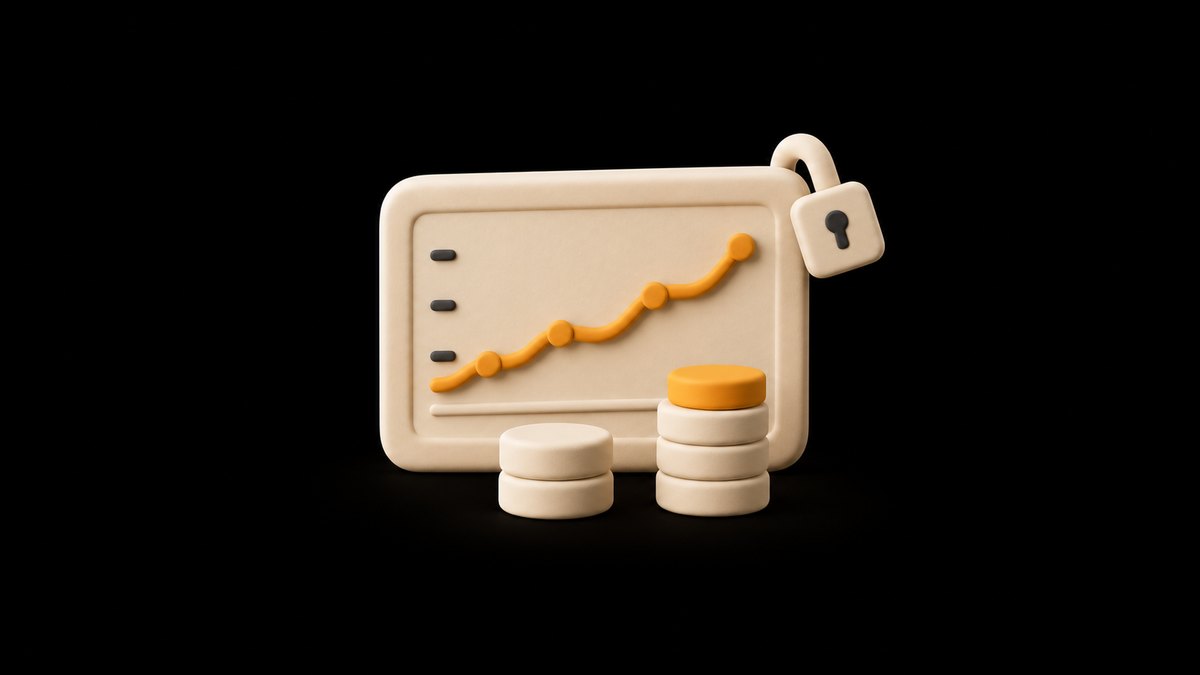
A spreadsheet can hold all of this. On its paid plans, SponsorBoard builds that record as a private dashboard for each YouTube sponsor: views and watch time for the videos that mention the brand, synced from YouTube every night, next to the fee you enter and the effective CPM. Each sponsor logs in to see only its own data, so the renewal starts from figures you can both check.
Disclose every paid spot, in the video and on YouTube
Pricing does not change the rules on disclosure. In YouTube Studio, a video with a paid integration needs the paid promotion setting. For a new upload, YouTube's help page on branded content names the option Yes, my video includes branded content, and says that selecting it adds a disclosure label at the beginning of the video.
That label is not the whole job. The US Federal Trade Commission's guide Disclosures 101 for Social Media Influencers says to disclose any financial, employment, personal or family relationship with a brand. It also says to put the disclosure in the video and not just in the description, and not to assume that a platform's disclosure tool is good enough. Say it out loud at the start of the integration and repeat it in the description. Rules differ by country, so check your own regulator's guidance if you work outside the US.
Write the disclosure into the agreement, so it is never a surprise to the brand, and never price a deliverable that depends on hiding it. None of this is legal advice.
More viewers from clips make the next quote bigger
Every input to the price, from 30-day views to the audience a brand wants to reach, grows with the channel, and short clips are one way to bring new viewers to the long videos sponsors pay for. Shorts can also become a deliverable of their own once you know their engaged views, as how YouTube Shorts monetization actually works explains. FrameOS turns a long video into captioned vertical clips, which keeps that channel running between sponsored uploads. For where sponsorships sit among your other income, see how to make money on YouTube.
FAQ
How much should I charge for a YouTube sponsorship?
Start from the views a new video realistically gets in its first 30 days, using the median of your last 10 uploads. Divide by 1,000 and multiply by a CPM you can defend from your own past deals or the brand's budget. That is the base fee. Then add separate prices for usage rights, exclusivity, extras such as Shorts or a pinned comment and rush delivery, so every part of the quote has a reason behind it.
What is a good CPM for a YouTube sponsorship?
No reliable public figure exists. Published rate lists rarely disclose who they surveyed or how, and YouTube's own ad CPM measures something else: what advertisers pay per 1,000 ad impressions before YouTube's revenue share. A good sponsorship CPM is one you can defend from evidence, meaning the effective CPM of your past deals, worked out as the fee divided by 30-day views times 1,000, and what the brand's budget comes to per thousand of your expected views.
Is a flat fee or CPM better for sponsorships?
It depends on who should carry the risk. A flat fee protects you if the video underperforms and suits channels with steady views. A CPM deal pays only for views counted on an agreed day, so the brand is protected and you need a cap on the total. A hybrid, such as a smaller fixed fee plus a CPM above a threshold, or a flat fee with a view guarantee and a make-good, splits the risk and suits cautious first-time sponsors.
Should I charge extra for usage rights?
Yes. Usage rights let the brand use your video beyond your channel, for example as an ad. Google Ads lets advertisers promote YouTube creator videos in their campaigns through creator partnerships boost, and those ads are shown from the creator's channel. That is paid reach under your name, so quote it as a separate line with the number of months, the platforms covered and whether the brand may edit the video. Dropping it is a fair way to meet a smaller budget.
How do I raise my rate with a returning sponsor?
Show the sponsor its own results first. Work out the effective CPM of each past deal: the fee divided by the views the sponsored video reached, times 1,000. If your views have grown, the brand has been paying less per thousand than when it started, and a higher fee brings the CPM back in line. Add tracked link clicks and comments that mention the brand, then propose the new fee next to the numbers that support it.
Sources
- Know your worth. Charge your worth. · SponsorBoard
- Understand ad revenue analytics · YouTube Help
- Disclosures 101 for Social Media Influencers · Federal Trade Commission