How to use a green screen (and when not to)
The screen is the cheapest part of the setup. Lighting it evenly, keeping your subject away from it, and recording enough colour data are what decide whether the key looks clean.
8 minute read

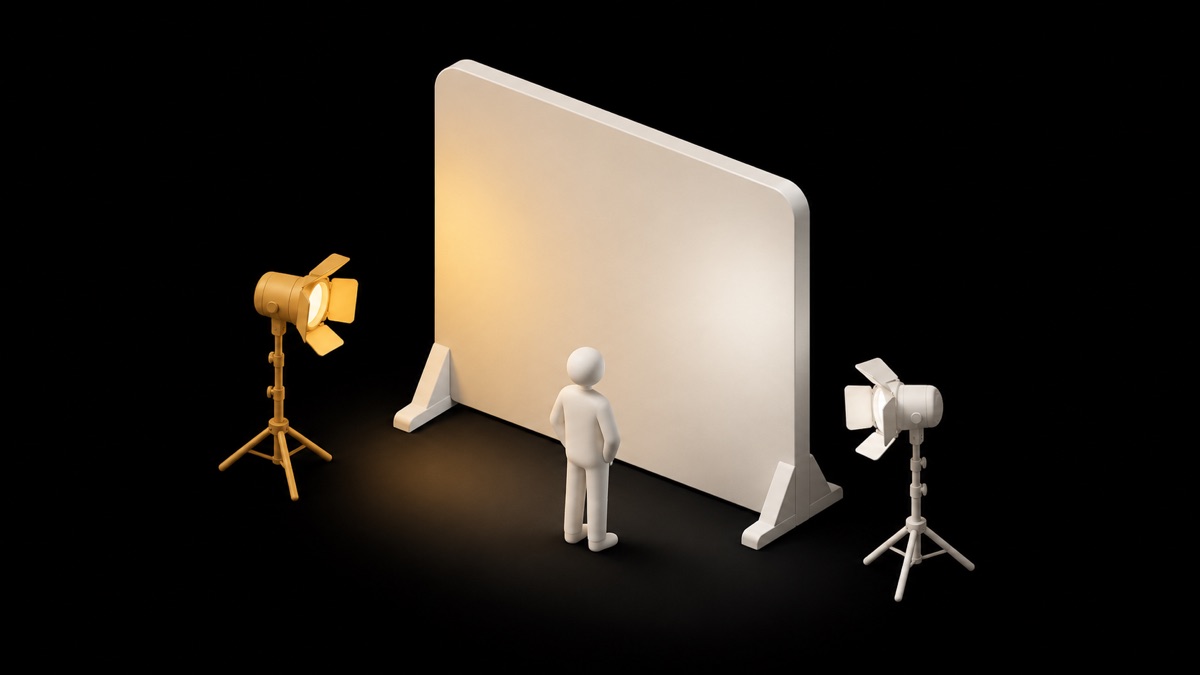
The screen is the cheapest part of the job
A chroma key is one instruction: make this colour transparent, put something else behind it. Almost everything that decides whether the result looks convincing or cheap happens before the software is involved. The fabric is the least important purchase in the chain, because the keyer only cares how tightly clustered your background colour values are, not what the backdrop cost. Worth clearing up a naming collision first. The effect labelled Green Screen inside TikTok and Instagram is not chroma key at all — it is software segmentation that finds your outline and drops an image behind you, with no fabric in the room. Both approaches are covered here, because they fail in completely different places, and knowing which failure you are looking at is most of the fix.
Why green, and when blue is the right answer
Almost no guide explains this, and it is the most useful thing to understand. Most camera sensors sit behind a Bayer colour filter array, which, as Wikipedia's account of Bayer's patent records, uses twice as many green elements as red or blue to mimic the physiology of the human eye — the patent itself called the green photosites luminance-sensitive elements and the red and blue ones chrominance-sensitive. Green is where your sensor collects the most directly measured detail; red and blue are reconstructed from fewer samples. Boris FX puts the practical version plainly: digital cameras capture more in the green channel, and the better the colour the camera records, the better the key. Blue exists for the opposite cases. Boris FX notes film cameras favour blue because the blue channel carries the least grain, and blue is what you reach for when your subject wears green, stands near foliage, or when spill would be unrecoverable.
Light the screen and light yourself as two separate jobs
This is the single biggest cause of bad keys, and it is a mindset problem more than a gear problem. You are running two lighting setups in one room: one that turns the screen into a flat, boring, uniform surface, and one that makes you look good. Litepanels' guide is blunt that pulling lights further back from the screen gives a wider spread and a more even key, while lights placed close create a focused beam and hot spots. How even is even enough? Hollywood Camera Work argues the traditional rule — even to within one stop on a spot meter — is not actually accurate, because the keyer does not see stops, it sees RGB values. Their target is under roughly 32 RGB values of total variation across the screen, an eighth of the range in 8-bit. That is far tighter than most people assume.
Distance, spill, and why your chin turns green
Spill is green light bouncing off the screen and landing on you, and once it is on your jaw and shoulders the keyer cannot tell it apart from background. Distance is the cure that costs nothing: Litepanels' advice is simply to pull your subject as far from the screen as the room allows, because the reflected light falls off before it reaches you. Their other two suggestions are worth stealing — flag the lights so none of them rakes across the screen and back into the talent, and lay black negative fill on the floor to kill the upward bounce that greens the underside of your chin. Every keyer has a spill suppression control, but it works by desaturating the affected pixels, which quietly drains colour out of hair and skin edges. It is a repair, not a plan.
Wrinkles, shadows, and why the cheap crumpled cloth fails
A wrinkle is not a cosmetic problem, it is a shading gradient. Each fold gives you a lit face and a shadowed face, so a single screen now contains a wide range of green values instead of a narrow one. To swallow that range the keyer needs a wide tolerance, and a wide tolerance is exactly what starts eating hair, edges and anything semi-transparent. The same logic explains why a shadow cast on the screen is worse than a shadow on you. Litepanels suggests two hard sources at opposing forty-five degree angles to help offset wrinkles on pop-up or muslin screens, which helps, though tension and a steamer help more. If green screen becomes a regular part of your workflow, painting a flat matte wall removes the whole category of problem permanently.
The technical thing nobody mentions: 4:2:0
Here is the finding that explains most mediocre keys shot on good-looking cameras. Video does not store colour at the same resolution as brightness. Wikipedia's chroma subsampling reference describes 4:4:4 as no subsampling at all, 4:2:2 as halving chroma horizontally while keeping full vertical resolution, and 4:2:0 as subsampling both chroma channels by two horizontally and vertically. That last one leaves a quarter of the colour samples, and 4:2:0 is what consumer delivery formats use — the page lists DVD, Blu-ray, most JPEG implementations and WebP among them. Your phone's standard recording mode is almost certainly writing it too. The consequence is specific: the matte edge, which is defined entirely by colour, is being drawn from interpolated data. That is where jagged, blocky, stair-stepped edges come from, and no amount of tweaking the keyer recovers detail the file never held.
| Value | Unit | |
|---|---|---|
| 4:4:4 | 100 | % |
| 4:2:2 | 50 | % |
| 4:2:0 | 25 | % |
What to do if 4:2:2 is not an option
Most people reading this cannot change their codec, so work the other levers. Check the manual before assuming: some mirrorless bodies offer 4:2:2 internally, others only when recording out over HDMI to an external recorder, and some phones have a higher-quality capture mode that is not the default. If none of that is available, shoot the largest frame size the camera offers and let the extra pixels absorb some of the softness, expose the screen properly rather than fixing it later, and avoid fast movement across the boundary. In the edit, expect to soften and slightly choke the matte instead of chasing a hard edge that does not exist in the file. A slightly soft, honest edge reads as a composite; a hard, jagged one reads as a mistake.
When a green screen is not worth setting up at all
For a lot of short-form work, it isn't. AI segmentation now ships inside phones and most editors, and it beats a badly lit green screen for a seated talking head in a normal room — no spill, no wrinkles, nothing to hang. Where it still loses is predictable: it estimates a mask from learned shape, so fine flyaway hair, motion blur and genuine transparency like glass, steam or sheer fabric are where edges go rubbery or flicker frame to frame. Chroma key computes alpha from actual colour distance, which is why it can hold partial transparency. And in a 9:16 crop, the background is a sliver of frame anyway — for a thirty-second clip, lighting your face better pays more than any backdrop. If you are cutting long recordings into shorts, FrameOS handles the clipping end of that; 300 credits for 3 days · no card.
FAQ
Why are green screens green instead of another colour?
Because that is where a digital sensor collects the most information. Most sensors use a Bayer colour filter array, which Wikipedia notes carries twice as many green elements as red or blue to mimic human eye physiology — Bayer's patent called them luminance-sensitive elements. Boris FX makes the practical point that digital cameras capture more in the green channel, so the keyer has cleaner, better-sampled colour to work from at the edges.
Should I light the green screen separately from myself?
Yes, and treating it as one setup is the most common reason keys look bad. The screen needs flat, uniform illumination; you need light that flatters you. Litepanels recommends pulling lights back from the screen for a wider, more even spread, and flagging them so none spills onto the talent. Hollywood Camera Work's target for evenness is under about 32 RGB values of variation across the screen.
Why does my green screen key look jagged around the edges?
Usually chroma subsampling rather than your keyer. Wikipedia's chroma subsampling reference describes 4:2:0 as halving the colour resolution both horizontally and vertically, leaving a quarter of the colour samples. Since the matte edge is defined by colour, it is being reconstructed from interpolated data. Recording 4:2:2 if your camera offers it fixes it properly; otherwise soften and choke the matte slightly.
Is AI background removal as good as a green screen?
For a seated talking head in a normal room, it is often better than a poorly lit green screen, and it removes spill and wrinkles as problems entirely. It struggles in three specific places: fine flyaway hair, motion blur, and real transparency such as glass, steam or sheer fabric. A well-lit chroma key still wins there because it computes transparency from measured colour rather than predicting a shape.
Sources
- Bayer filter · Wikipedia
- Chroma subsampling · Wikipedia
- Blue Screen vs Green Screen Comparison Guide · Boris FX
- How to light for green screen · Litepanels
- The Science Of Green Screener · Hollywood Camera Work