What is AI video clipping?
AI video clipping turns one long recording into many short clips automatically — finding the moments, reframing them vertical, and captioning them. Here's how it actually works.

In this article
The short definition
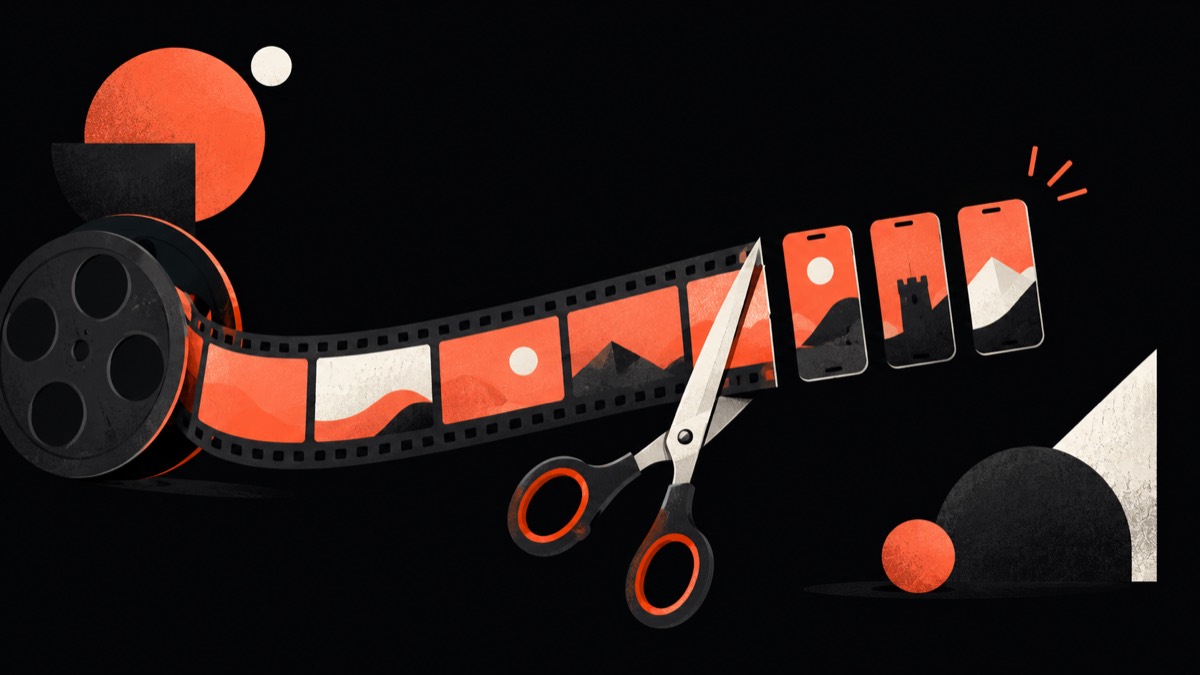
AI video clipping is software that takes a long-form video — a podcast, interview, webinar, or stream — and automatically identifies the strongest self-contained moments, then turns each into a short, vertical, captioned clip ready to post on Shorts, Reels, or TikTok. The 'AI' part is the automatic selection and reframing; the result is a batch of clips you'd otherwise cut by hand.

What the AI actually does
A good clipping tool runs several steps: it transcribes the audio, finds moments that stand on their own (a strong point, a story, a punchy exchange), ranks them so you post the best first, reframes the shot from landscape to vertical while keeping the speaker in frame, and adds captions. You review the results and export.
What it's good at — and what it isn't
Clipping is excellent at the repetitive work of mining hours of footage and producing a first pass of dozens of clips. It is not a replacement for judgment: the tool proposes, you decide. Treat the output as a strong draft you review, not auto-pilot publishing — especially for anything brand-facing.
Clipping vs a video editor
A clipper is purpose-built to turn long video into short clips automatically. A general video editor is a manual timeline you cut yourself. Many tools (FrameOS included) combine both: AI finds and reframes the clips, then a full editor lets you refine them.
Who uses it
Podcasters, YouTubers, streamers, course creators, marketers, and agencies — anyone who records long-form content and needs a steady stream of short clips without spending hours editing each one.
FAQ
What is AI video clipping?
Software that automatically finds the best moments in a long video and turns them into short, vertical, captioned clips ready to post on Shorts, Reels, and TikTok.
Is AI video clipping accurate?
It's good at surfacing strong candidate moments, but it's a first pass — you review and choose. The best tools rank clips so the strongest are easy to spot, and let you edit before exporting.
What's the difference between clipping and editing?
Clipping automatically finds and produces short clips from long video; editing is the manual timeline work to refine them. Tools like FrameOS do both.
What videos work best for AI clipping?
Anything long-form with clear speech — podcasts, interviews, webinars, streams, and talks all clip well.